Case study
Panda
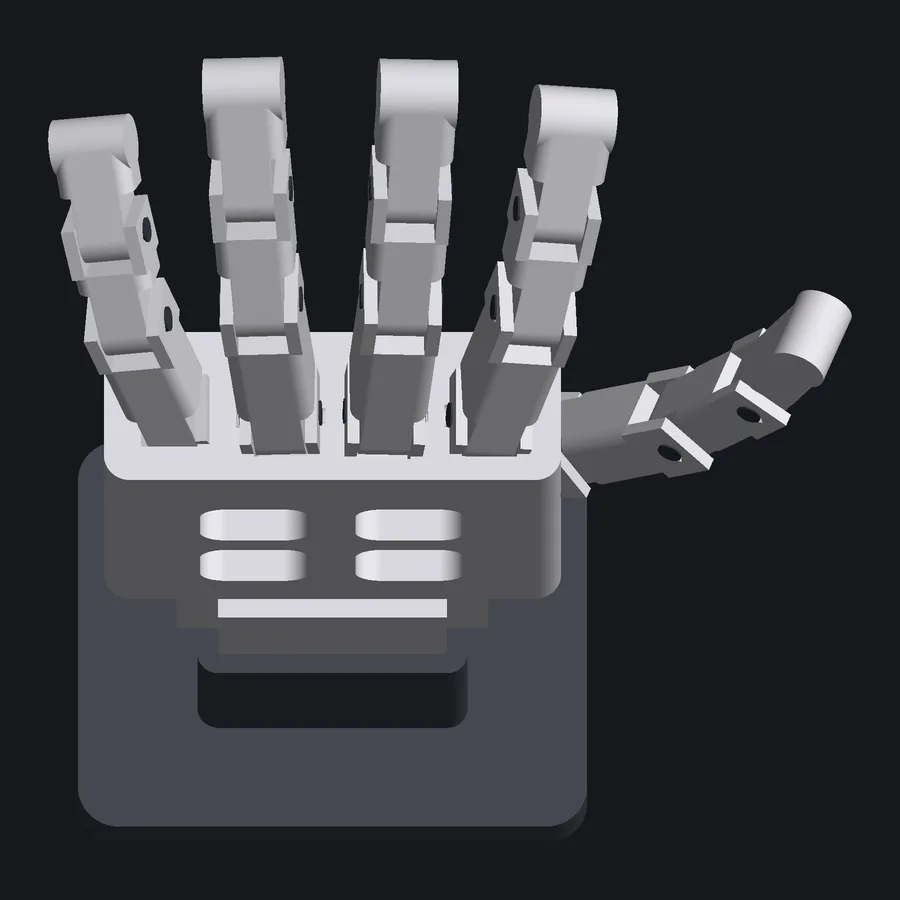
Describe a physical object in plain English and get back accurate design files, ready to print. Panda is the in-house system I use to design printed parts without opening CAD.
- Status
- In development, internal tool
- Owner
- Papi Labs Ltd
A recent build and the checks it passed
Summary
- Context
- Papi Labs designs and prints its own physical parts in-house. The company is one engineer, and nobody here draws in CAD.
- Problem
- Learning CAD is slow, and AI shape generators return geometry with no engineering truth behind it. Neither route gives you a file you can trust to print.
- Constraints
- The design and checking tools run on one computer in the workshop.
- Approach
- You describe the part in plain English, and Panda designs it and measures it before anything reaches the printer.
- What is new
- Nothing is exported until it has been measured and passed. A failure names the part, the measured value and the place on the geometry where it went wrong.
- Outcome
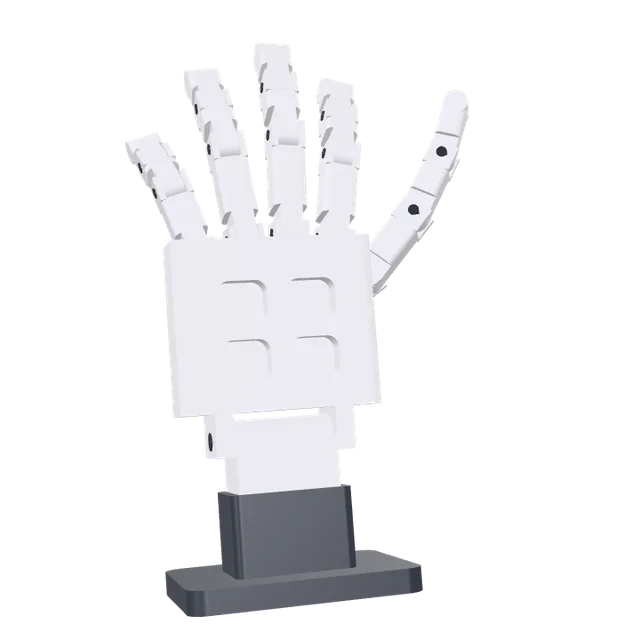
- The 34-part robotic hand passed 326 checks in 50.2 seconds, with none failed and one skipped. Every build leaves a record that can be checked from the first entry to the last.
- Evidence
- The readout on this page is the gate's own report for that build.
- Status
- In development, internal to Papi Labs and proprietary. There is no public release and no published price.
About Panda
What you give it, and what you get
You describe the part you want in plain English. There is no drawing, no sketch plane and no modelling.
Panda already holds the measured facts about the workshop: the printer, the filament loaded in it, the tolerances taken off printed test pieces, and the hardware in the bin. It uses those measurements to work out how parts fit together.
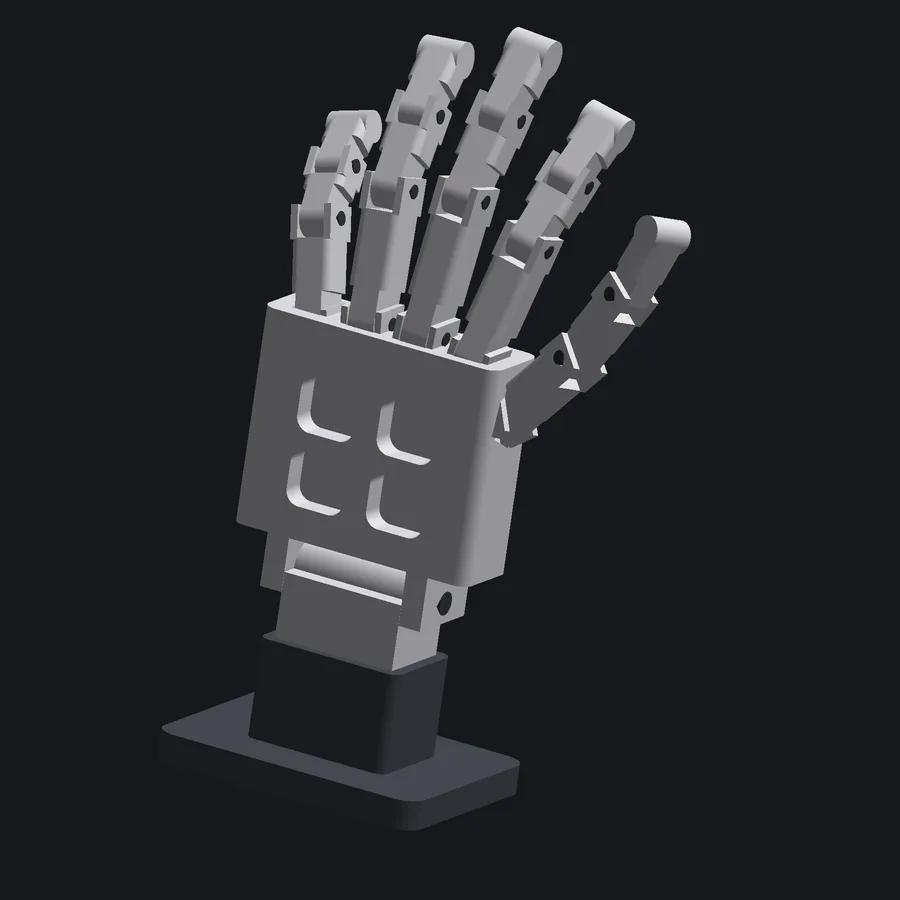
What comes back is one file the printer can run, and a build sheet. For the robotic hand that sheet lists 34 printed parts, their weights, and 33 fits in assembly order.
Why it is different
Nothing is exported until it has been measured. Every build goes through a verification gate first.
It checks whether a wall is thick enough to survive printing, whether two parts try to occupy the same space, whether a joint can reach the position it is drawn in, and whether the whole thing fits on the bed.
| thinnest wall | 0.903 mm | limit 0.88 mm | pass |
|---|---|---|---|
| tightest moving clearance | 0.0505 mm | limit 0.02 mm | pass |
| longest unsupported bridge | 10.8 mm | limit 15 mm | pass |
A failure names the check, the part, the measured value and the place on the geometry, so you know what to change. That run was 326 checks in 50.2 seconds. None failed. One was skipped, and the readout shows it.
You find out about a problem before anything is printed.
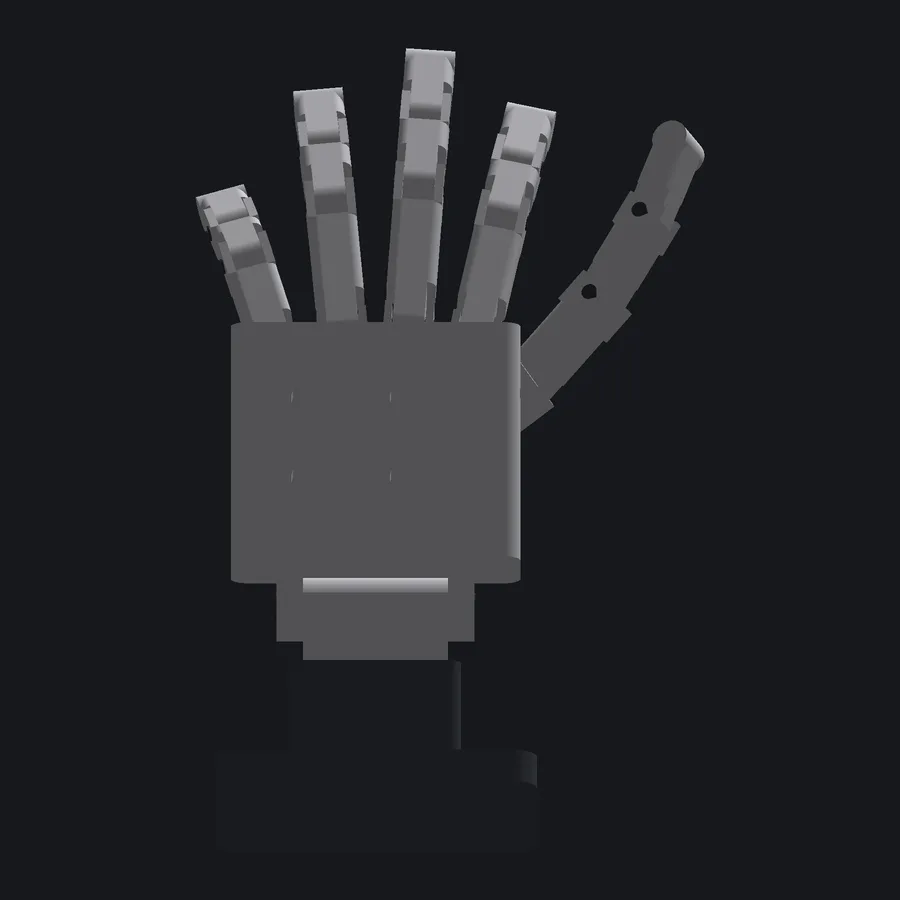
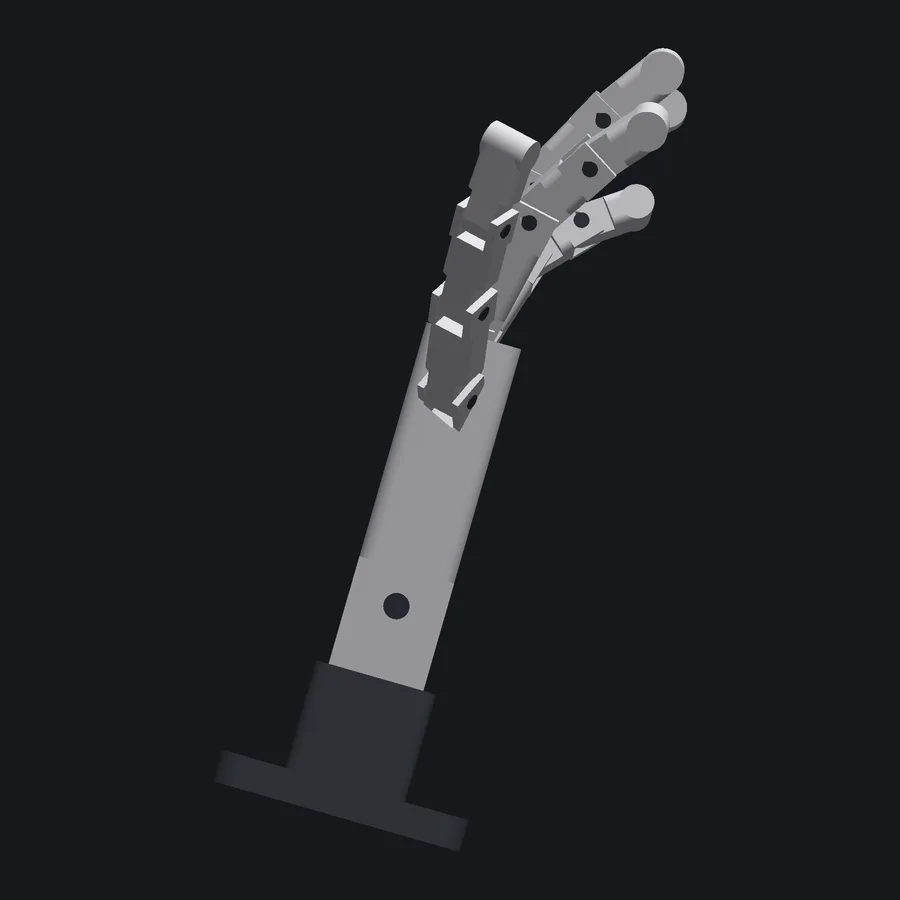
Most of what Panda has built is small workshop engineering. The robotic hand is the hardest one: sixteen moving joints, holding any pose on friction alone, with no joint drifting more than 0.01 degrees in any orientation gravity could come from.
| part | parts | checks | gate time |
|---|---|---|---|
| robotic hand | 34 | 326 | 50.2 s |
| spinner | 11 | 75 | 8.4 s |
| calibration coupons | 8 | 61 | 4.2 s |
| handle | 2 | 17 | 1.3 s |
| hose reducer | 1 | 15 | 5.5 s |
| hook | 1 | 15 | 5.2 s |
Where it stands
Panda is in development and internal to Papi Labs. There is no public release and no published price.
The first commercial product designed by Panda is sold by Shahrah Design Studio.
A green gate means the part prints and the mechanism moves. It does not mean the part is strong enough to carry a load, so anything load-bearing is still judged by hand.